
Analytics Setup
GA4 Content Grouping Setup: Structuring Analytics for the Media-to-Cart Loop
How to configure GA4 content grouping to segment analytics by business function rather than URL structure.
A systematic approach to maintaining sender reputation and landing in the inbox.

Every brand blames the creative when email revenue drops. The subject line must have missed. The offer must have been weak.
The truth is usually more expensive. The campaign never reached the inbox.
Validity’s 2025 benchmark report put global average deliverability at 83.1%.1 That means roughly one in six legitimate marketing emails never lands where a customer can see it. If your lifecycle model assumes those sends reached real people, the forecast is wrong before finance opens the sheet. At scale, a 10-point inbox gap can erase tens of thousands of dollars of retention revenue from a healthy list.
Treat that gap as an operating failure, not a copy problem. Deliverability slips when authentication breaks, DNS records drift, low-engagement segments stay on the list too long, or sender reputation gets dragged down by bad links and tired audiences. If you want lifecycle to behave like a revenue system, you need a standing runbook for inbox placement.
You can see the failure pattern in the weekly review. Clicks fall, the team debates creative, and nobody checks whether Gmail started routing the campaign somewhere customers never saw it. By the time finance asks why retention underperformed, the operator is already working with the wrong diagnosis.
This article gives you that runbook in five parts:
Deliverability belongs with lifecycle operations, not just campaign execution.
Delivery only tells you the receiving server accepted the message. Deliverability tells you whether the message landed where a customer could act on it: the inbox, not spam, and not a dead corner of the mailbox. That is the metric that protects retention revenue.
Open rates no longer solve this. Apple Mail Privacy Protection (MPP), Gmail image handling, and other privacy features made opens too noisy to run the system. Server acceptance and clicks tell you more. Inbox placement tells you whether the campaign had a chance to work at all.
That is why a deliverability runbook has to start with operator logic. If inbox placement drops, creative performance, offer performance, and even retention forecasting get harder to trust. You do not have an email problem at that point. You have a visibility failure inside a revenue channel.
The first job is detection. You need to know when deliverability drift starts before it turns into a quarter-end revenue surprise.
Watch for the early symptoms:
Greylisting is a temporary rejection tactic mailbox providers use to slow spam bots. Legitimate servers retry. Low-quality senders often do not.
Then look at the core operating metrics:
| Metric | Healthy Range | Why It Matters |
|---|---|---|
| Deliverability Rate | 95%+ | Below 90% means serious loss of reach |
| Spam Complaint Rate | <0.1% | Above 0.3% risks blacklisting |
| Bounce Rate | <2% | Sustained errors damage domain reputation |
| Click Rate | Benchmark varies by brand | Best proxy for engagement after Apple MPP; low rate flags content or audience mismatch |
The cross-provider spread is wide enough to matter operationally. Microsoft inboxes often underperform Gmail. Promotions-tab placement is common in ecommerce. Mailgun reported that only 8.78% of ecommerce marketing emails landed in the Gmail Primary tab, with the rest routed elsewhere.2 That does not mean the send failed. It does mean lifecycle teams need tighter operating assumptions about visibility.
When inbox placement drops, do not start by rewriting subject lines. Start with the infrastructure and the sender signals that mailbox providers evaluate first.
Check SPF, DKIM, and DMARC before anything else.
Use MXToolbox or DMARCian to validate the setup.
Example SPF record:
v=spf1 include:_spf.google.com include:sendgrid.net ~all
Know the operating differences:
~all is a soft fail-all is a hard failp=none, p=quarantine, and p=rejectStart with p=none if you need monitoring. Move to p=quarantine once alignment is clean and the reporting is stable. Use reporting from Cloudflare or Postmark so the domain team sees failures before a mailbox provider makes the decision for them.
Authentication cannot hold if the DNS foundation is weak.
Confirm that the domain has the right A records and MX records, even if the domain does not actively receive mail. Some lightweight hosting setups rely too heavily on CNAMEs. That can break routing, weaken trust, or create enough ambiguity that mailbox providers score the sender more aggressively. Missing MX records are one of the simplest ways to make a legitimate sender look careless.
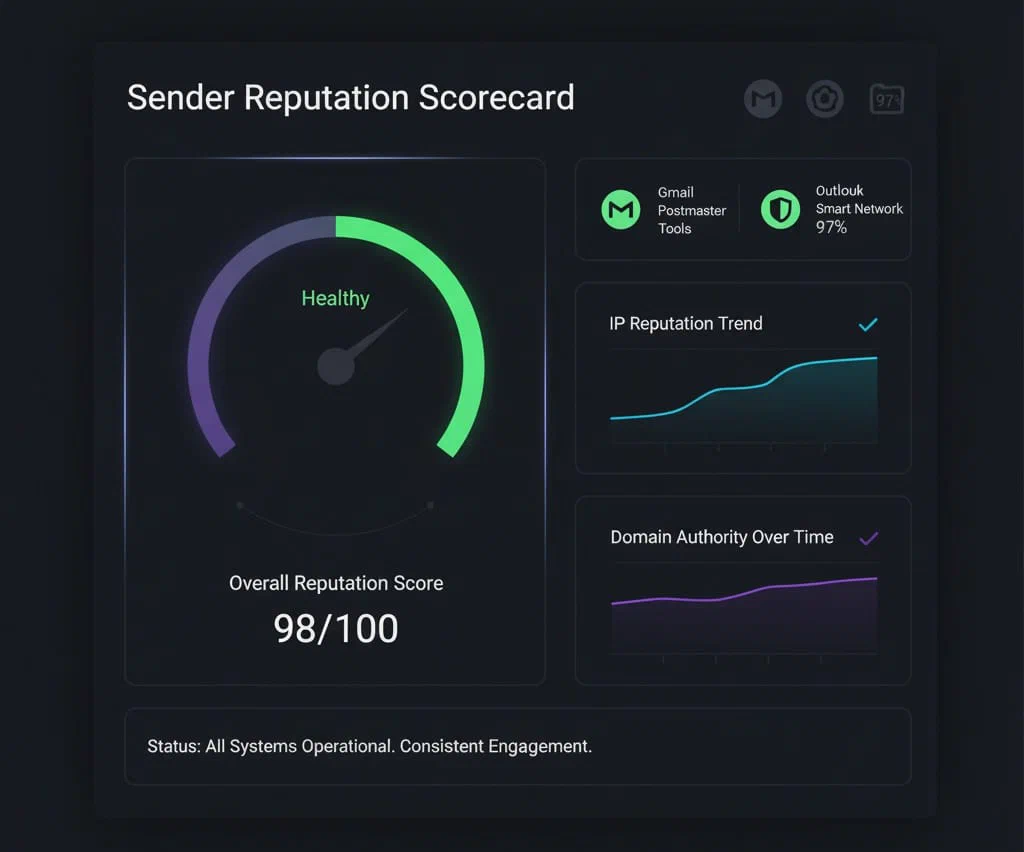
Check Google Postmaster Tools for domain and IP reputation.
If the domain drops from High to Medium or Low, slow down. Pause low-engagement sends for 48 hours. Concentrate volume on the most active subscribers so mailbox providers see cleaner behavior while you fix the issue.

Mailbox providers now rank senders by what recipients do after delivery.
Sort the audience by last click date. If fewer than 30% of subscribers clicked in the past 90 days, segment aggressively and re-permission the rest. Clicks are the cleanest engagement signal left. If you keep mailing subscribers who never respond, the mailbox provider learns the same lesson the operator should have learned first.
See also: Attribution Triage for Operators: Make Marketing Data Useful Without Breaking Your P&L
Mailbox providers do not just read the sender. They read the links.
They watch clicks, deletes, replies, and scroll-depth proxies where available. They also score the domains inside the email. One bad redirect, questionable link shortener, or recycled promotional domain can push a healthy sender into a weaker placement band.
Run seed-list testing before you call the system healthy.
Use GlockApps or Validity Everest. Send to a seed list of at least 100 addresses spread across Gmail, Outlook, Yahoo, and Apple Mail. A healthy sender should see at least 85% reach inbox placement across the mix. If the seeds go sideways while campaign creative remains stable, you have a deliverability problem, not a messaging problem.
Once triage is clean, the real work is keeping it clean.
Deliverability drift is rarely dramatic at first. It usually shows up as a small complaint increase, a weaker click cohort, a throttled domain, or a template pattern that starts losing trust. The maintenance rhythm is what catches that drift while the fix is still cheap.
Only about 60% of senders clean their lists regularly.1 The rest let engagement decay until inbox performance slips and revenue follows it down. A disciplined QA rhythm can recover 10% to 15% of lost lifecycle revenue in a quarter if the list and infrastructure are still repairable.
When deliverability is already impaired, the operator needs sequence more than theory.
Use this recovery order:
Suppress low-engagement subscribers first. If the sender is mailing people who have not clicked in 90 days, cut that volume before doing anything else. You need the mailbox providers to see cleaner response signals fast.
Avoid purchased or scraped lists. Validate addresses quarterly with NeverBounce or ZeroBounce. If spam traps are in play, the recovery window gets longer and the reputation damage becomes harder to reverse.
If you use a dedicated IP, warm it with discipline. Increase send volume gradually over the first two weeks. Shared pools such as Klaviyo’s can absorb some of that complexity, but high-volume brands still need to respect the warm-up curve.
Do not treat the issue like bad luck. Look at what changed in the last two weeks:
Incidents usually follow a concrete change. If you cannot name that change, you are not done diagnosing the problem.
The recovery sequence above works because mailbox providers are scoring more than your records.
A lot of deliverability guidance stops at DNS. That is only part of the system now.
Mailbox providers also rank senders on recipient behavior:
Positive signals:
Negative signals:
That is why send-time discipline, audience segmentation, and content quality still belong inside the runbook. They do not sit next to deliverability. They help determine it.
To improve those signals:
Once the runbook works, strengthen the sender in three ways. First, make the sender more trustworthy in the inbox. Next, remove manual failure points from the maintenance rhythm. Then show finance what the gain is worth.
Authentication gets you to the baseline. Visual identity layers help reinforce trust after that.
BIMI displays a verified logo in supported inboxes such as Gmail and Yahoo.
Requirements:
p=quarantine or p=rejectApple Mail’s Branded Mail lets verified businesses display their logo, domain, and a signed identity label directly in the inbox.
Neither tool fixes a weak sender. Both help a strong sender convert trust into engagement.
Manual checks do not scale.
Automate the recurring tasks:
Automation does not replace judgment. It keeps the operator from relying on memory.
Deliverability changes cash flow fast enough to deserve executive attention.
If you send 100,000 emails a month and revenue per delivered email is $1.50:
That is a $10,500 gain from deliverability alone. No change to offer. No change to creative. No extra send volume.
Before the fix, lifecycle performance fell 22% in open rate and 17% in click rate while Gmail throttled sends.
The team changed the operating system, not the headline. They ran daily quality assurance (QA), automated suppression, completed a full DNS audit, and added DMARC reporting through Cloudflare.
Six weeks later, deliverability rose from 87% to 97%. Lifecycle revenue increased 11% quarter over quarter.
That is the pattern to notice. The recovery came from infrastructure discipline and audience control, not from more creative pressure.
The runbook only matters if the team can run it on schedule and see who owns the next check.
| Task | Owner | Frequency | Tool |
|---|---|---|---|
| Complaint and bounce review | customer relationship management (CRM) manager | Daily | email service provider (ESP) dashboard |
| Inbox placement test | Analyst | Weekly | GlockApps / Everest |
| DNS and authentication audit | Ops or information technology (IT) | Monthly | MXToolbox |
| List hygiene | Lifecycle marketer | Weekly | ZeroBounce |
| DMARC reporting review | Ops | Monthly | Cloudflare / Postmark |
Put deliverability next to revenue in the lifecycle dashboard. Track deliverability rate next to revenue per send. When one slips, the other usually follows. That pairing keeps the team from treating inbox placement like a technical side metric instead of a control on retention revenue.
Use benchmark ranges as reference points, not as excuses:
| List Size | Deliverability | Spam Complaint | Bounce |
|---|---|---|---|
| Under 10k | 95–98% | <0.02% | <1% |
| 10k–100k | 92–96% | <0.05% | <1.5% |
| 100k+ | 88–94% | <0.1% | <2% |
Regional averages vary too: Europe 89%, North America 83%, Asia-Pacific (APAC) 85%.3 Use those numbers to calibrate expectations, not to excuse a weak sender.
Do not start with a redesign of the email calendar.
Start with one audit block:
Once those five moves are scheduled, put the review on repeat. Deliverability stays healthy when someone checks the sender every day, someone tests placement every week, and someone audits the foundations every month. That is when it stops acting like an occasional fire drill and starts behaving like a system the team actually runs.

Frequently Asked Questions
95% or higher. Anything below 90% indicates filtering issues.
Authenticate your domain, validate DNS, clean lists weekly, monitor DMARC reports, and automate your quality assurance process.
~all is a soft fail that warns of unauthorized senders. -all is a hard fail that blocks them outright.
Only if your email service provider (ESP) offers it and you send high volumes. Shared IP pools like Klaviyo's are fine for most brands.
Brand Indicators for Message Identification (BIMI) and Apple Branded Mail display your verified logo and name in inboxes to confirm authenticity and improve engagement.
Continue Reading